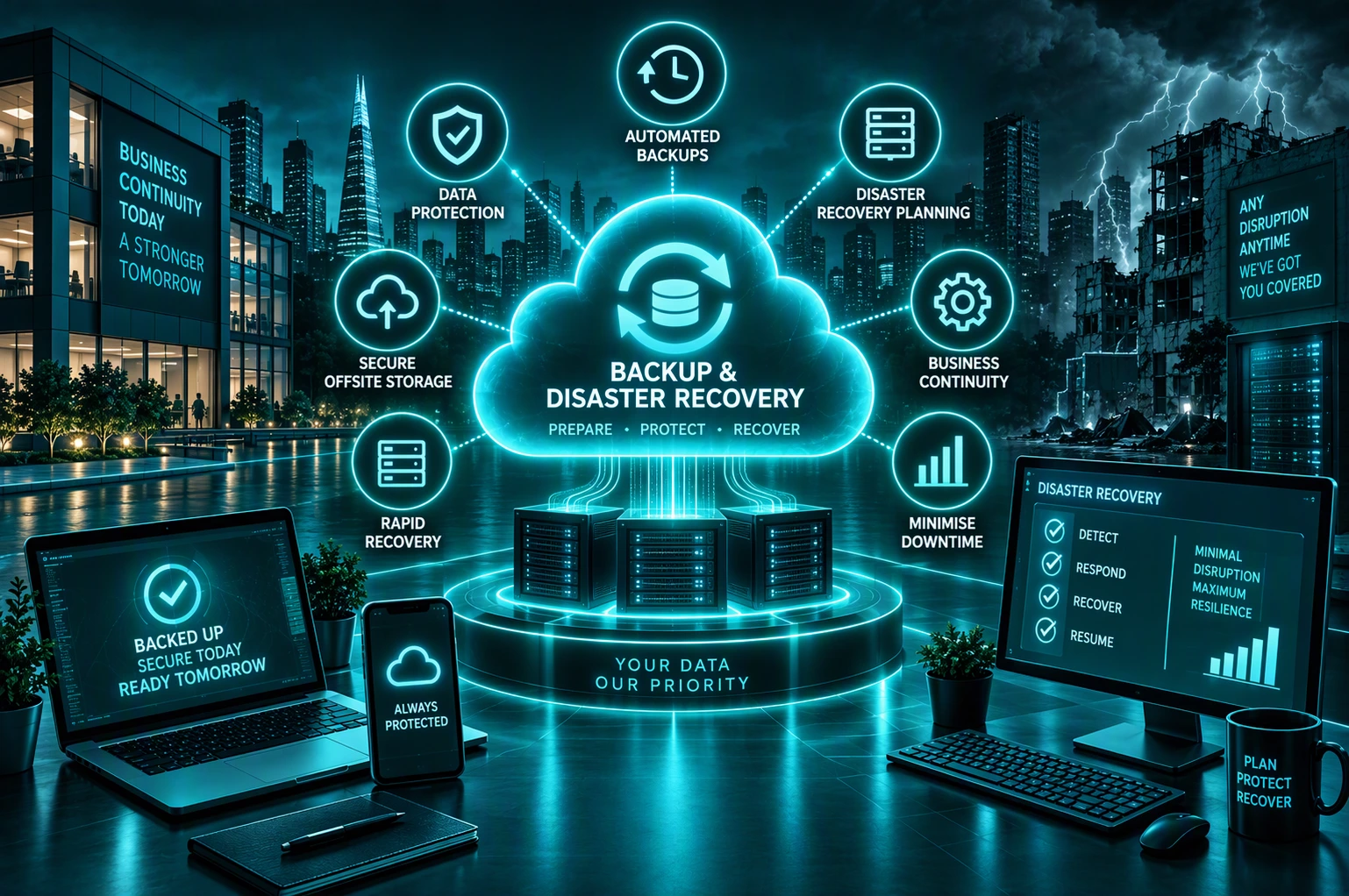
WHEN RECOVERY ISN’T READY

Having a Backup Doesn’t Mean You’re Ready to Recover

A backup only matters if it works when you need it. Without the right protection and recovery plan, data loss, system failure or disruption can quickly become a business problem.

Your Data

Accidental deletion, hardware failure or other incidents can put important business files, emails and information at risk.

Your Systems

When servers, applications or other essential systems fail, your people may suddenly lose access to the technology they depend on.

Your Recovery

Without a tested recovery plan, restoring data and systems can take longer than expected while your people are unable to work normally.

Your Business

When critical information and systems are unavailable, productivity, customer service and everyday operations can all be affected.

The Result

Lost Productivity

Longer Downtime

Repetitive Tasks

Customer Disruption

Higher Costs

Human Error

A Backup Is Only Valuable If Your Business Can Recover From It.

BE READY FOR THE UNEXPECTED

Protect Your Data. Recover Your Systems. Keep Your Business Moving.

The right backup and disaster recovery approach gives your business a clear way forward when something goes wrong. We help protect your critical information, prepare your technology for recovery and reduce the disruption to your people.

Protect Your Data

Keep Important Information Recoverable

Protect critical business data with reliable backups designed to give you something to recover from when information is lost or unavailable.

Back Up Your Cloud

Protect More Than Just Your Servers

Protect important Microsoft 365 data, including email and files, alongside your wider business systems and information.

Recover Your Systems

Get Critical Technology Working Again

Plan how important systems, applications and infrastructure can be restored when failure or disruption affects your business.

Prepare for Cyber Incidents

Make Recovery Part of Your Security

Protect recovery copies and prepare for incidents such as ransomware where both your live systems and backups could be targeted.

Reduce Recovery Time

Know What Needs To Come Back First

Prioritise the systems your business depends on most so recovery can focus on getting critical operations working again sooner.

Keep Your Business Moving

Plan Beyond The Backup

Prepare for how your people and essential operations will continue when normal technology isn’t available.

Backup Protects Your Data. Disaster Recovery Gets Your Technology Back.
Business Continuity Keeps You Moving.

HOW UNIFIED IT CAN HELP

Everything You Need To Protect, Recover And Keep Going

Every business depends on different systems and data. Unified IT brings backup, recovery and resilience together around your business, helping protect what matters, prepare for disruption and recover when something goes wrong.

We Manage Your Backups
Managed Backup

We manage and monitor your backups, helping ensure critical business data is protected and recovery copies are available when you need them.

We Protect Your Microsoft 365 Data
Microsoft 365 Backup

We back up important emails, files and business information in Microsoft 365 so data can be recovered if it is accidentally deleted, damaged or lost.

We Protect Your Critical Systems
Server & Device Backup

We protect important data across servers, devices and business systems so your information isn’t dependent on a single device or location.

We Get Your Systems Working Again
Disaster Recovery

We plan how your critical technology will be restored following a major failure or disruption, helping your business recover with less downtime.

We Prepare You For Cyber Recovery
Cyber Recovery

We prepare your business to recover from ransomware and cyber incidents with protected recovery copies and a clear approach to restoring essential systems and data.

We Help Keep Your Business Running
Business Continuity

We plan how essential operations can continue during disruption, prioritising the people, systems and services your business depends on most.

We Build Resilience Into Your IT
IT Resilience & Failover

We reduce points of failure with redundancy, failover and recovery options, helping critical technology remain available when problems occur.

We Test Your Recovery Plan
Recovery Testing & Planning

We test backups and recovery procedures so you know what can be recovered, how recovery will work and where improvements need to be made.

You may not need every service separately.
Our role is to bring the right expertise together based on your business needs.

CASE STUDIES

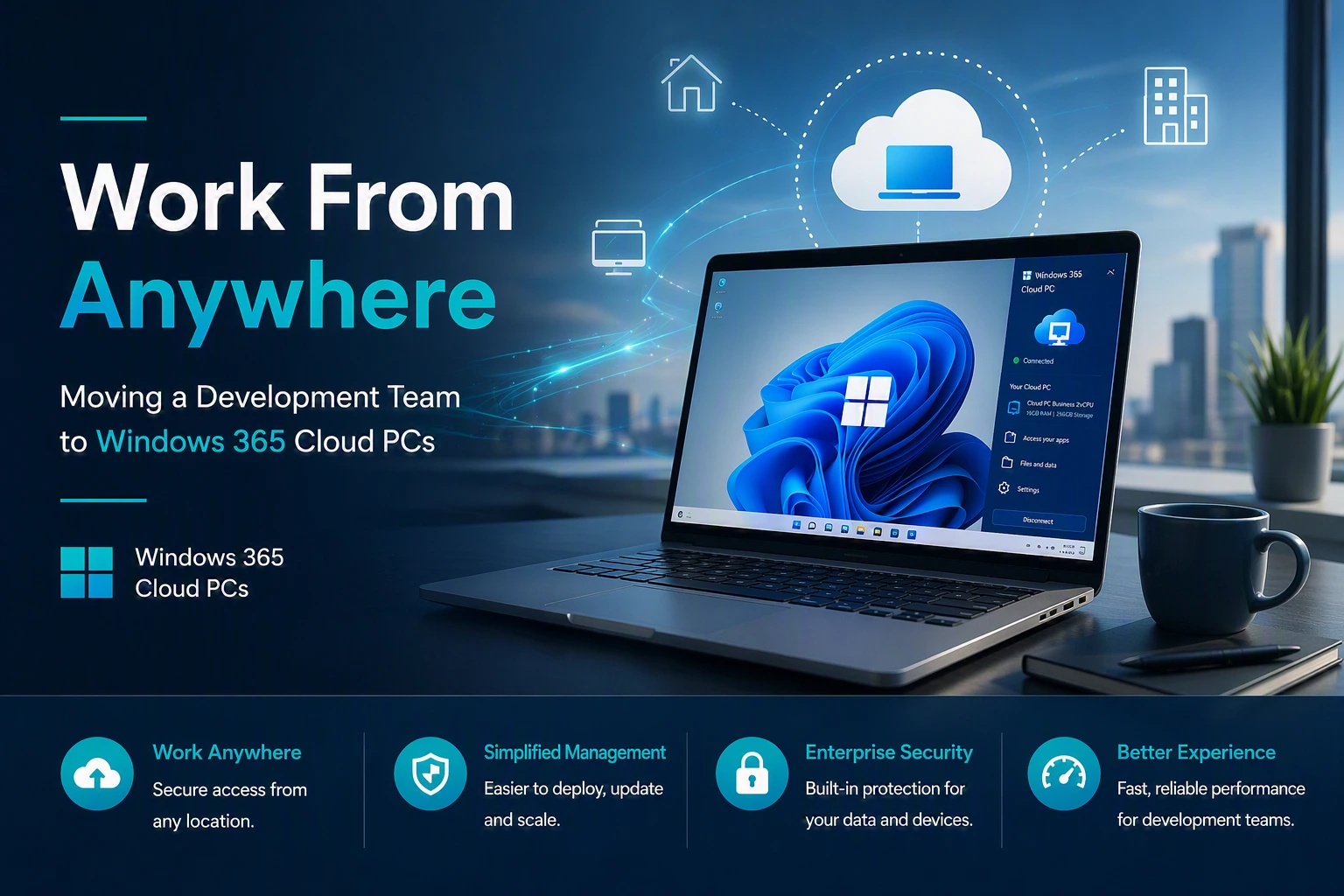
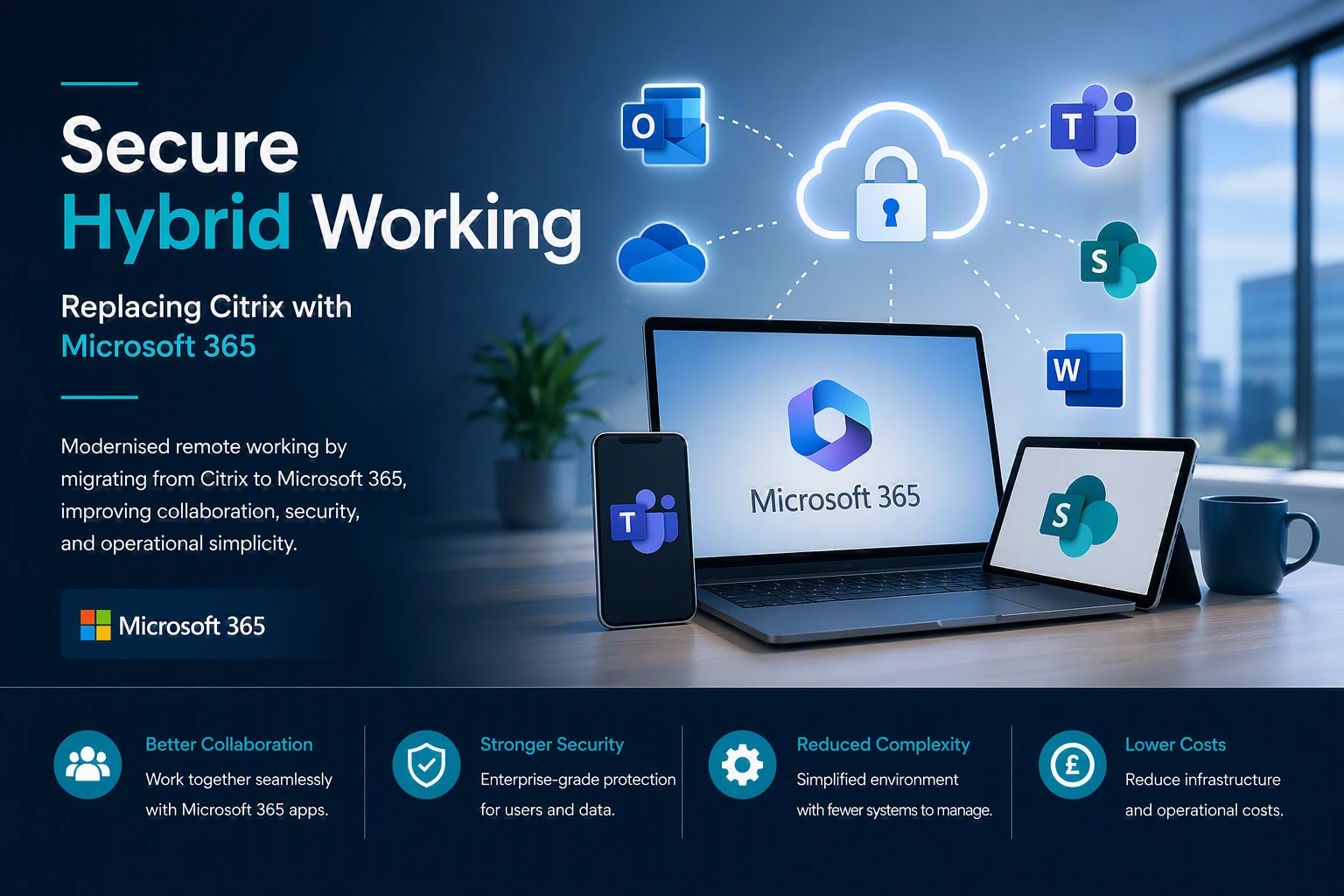
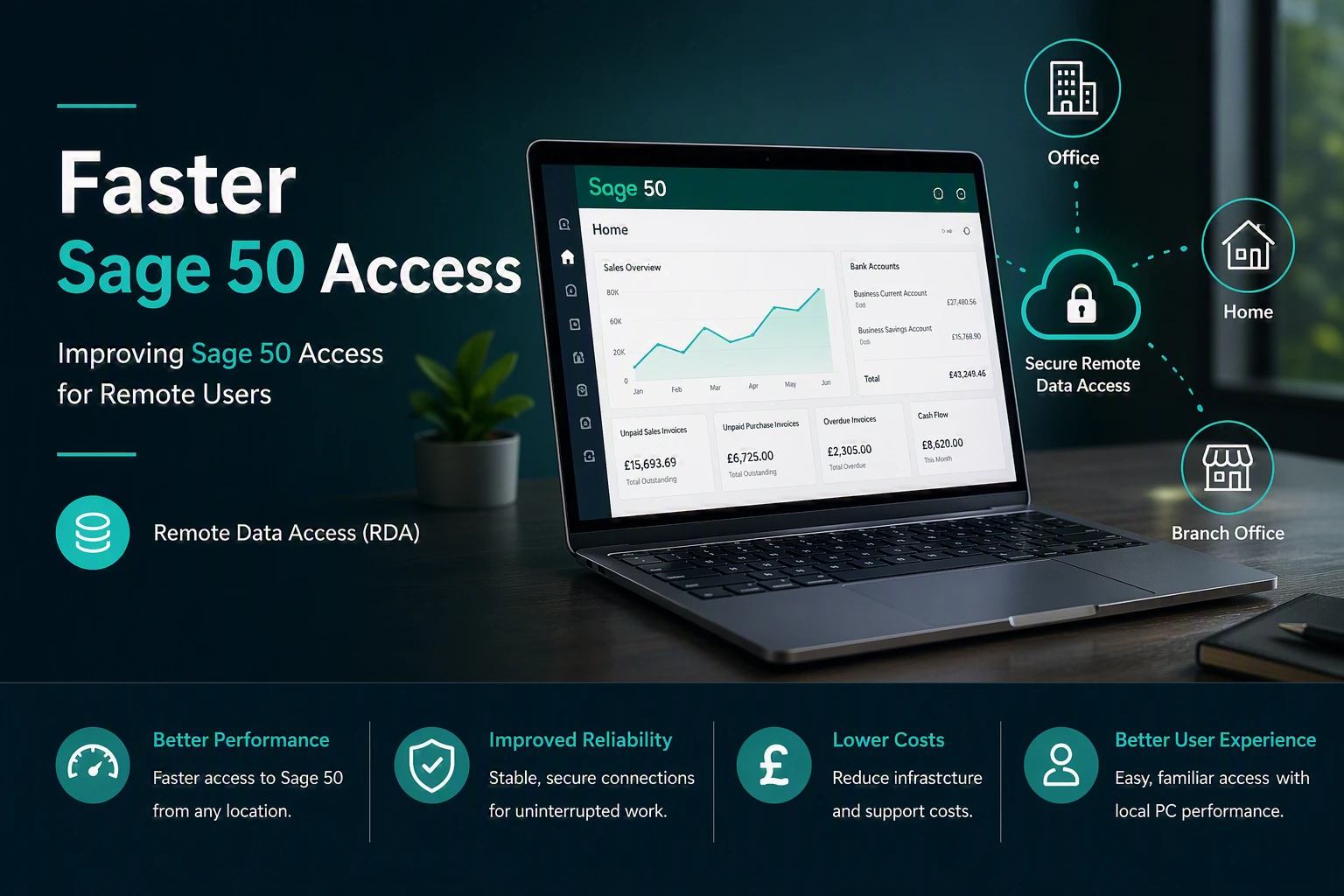
Proven deployments Across multiple sectors

We design and deliver high performance solutions that improve reliability, visibility and control for organisations of all sizes.
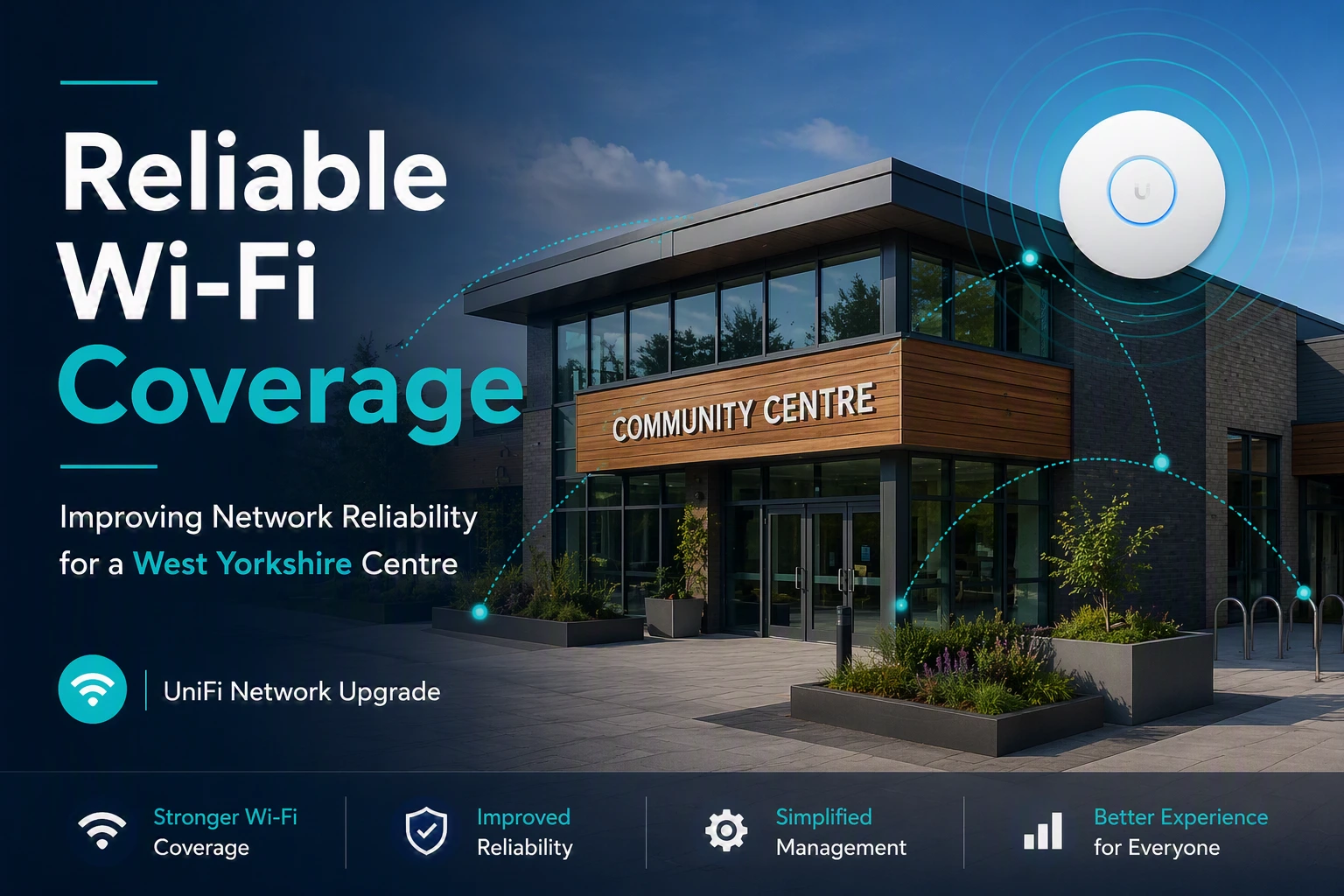
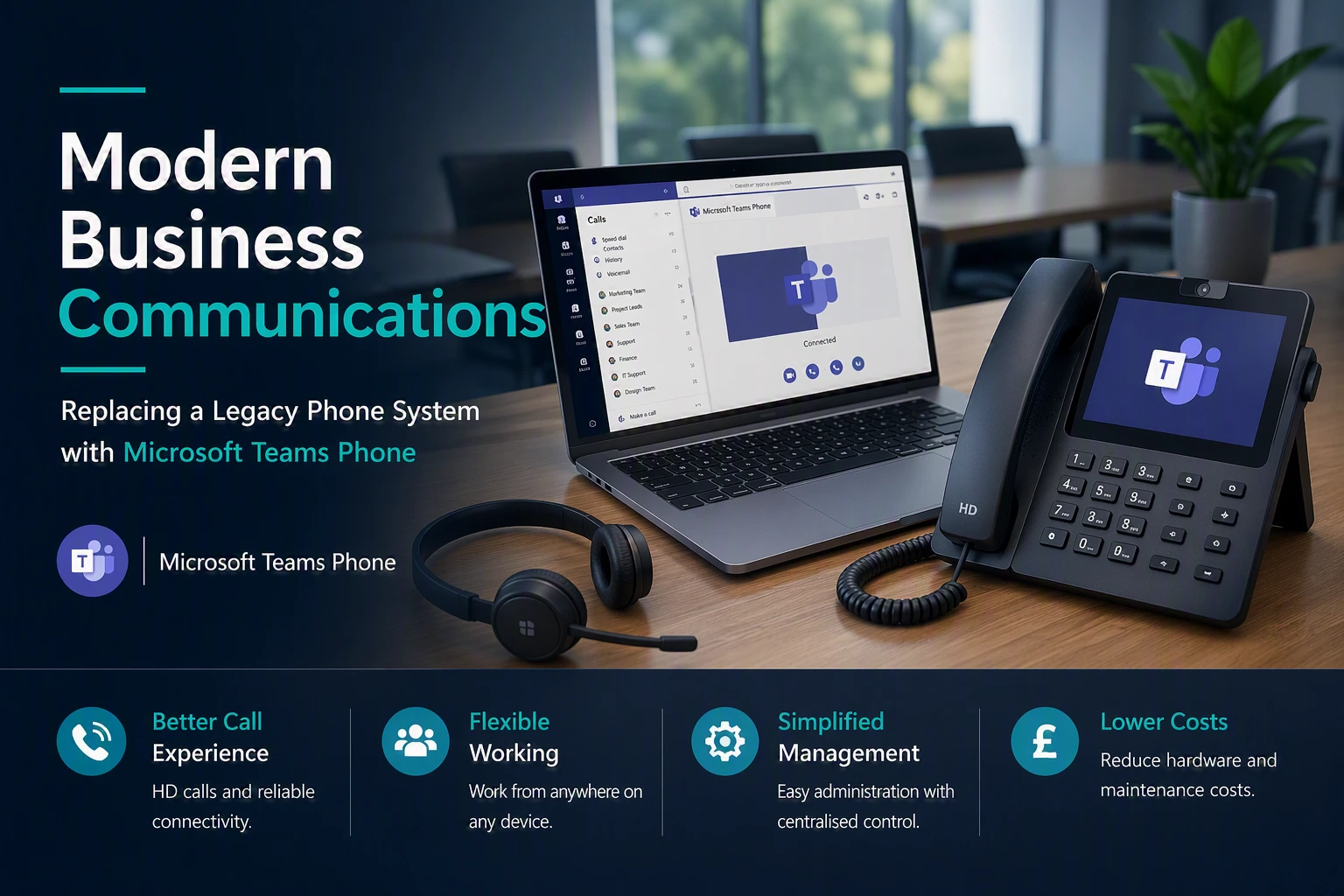
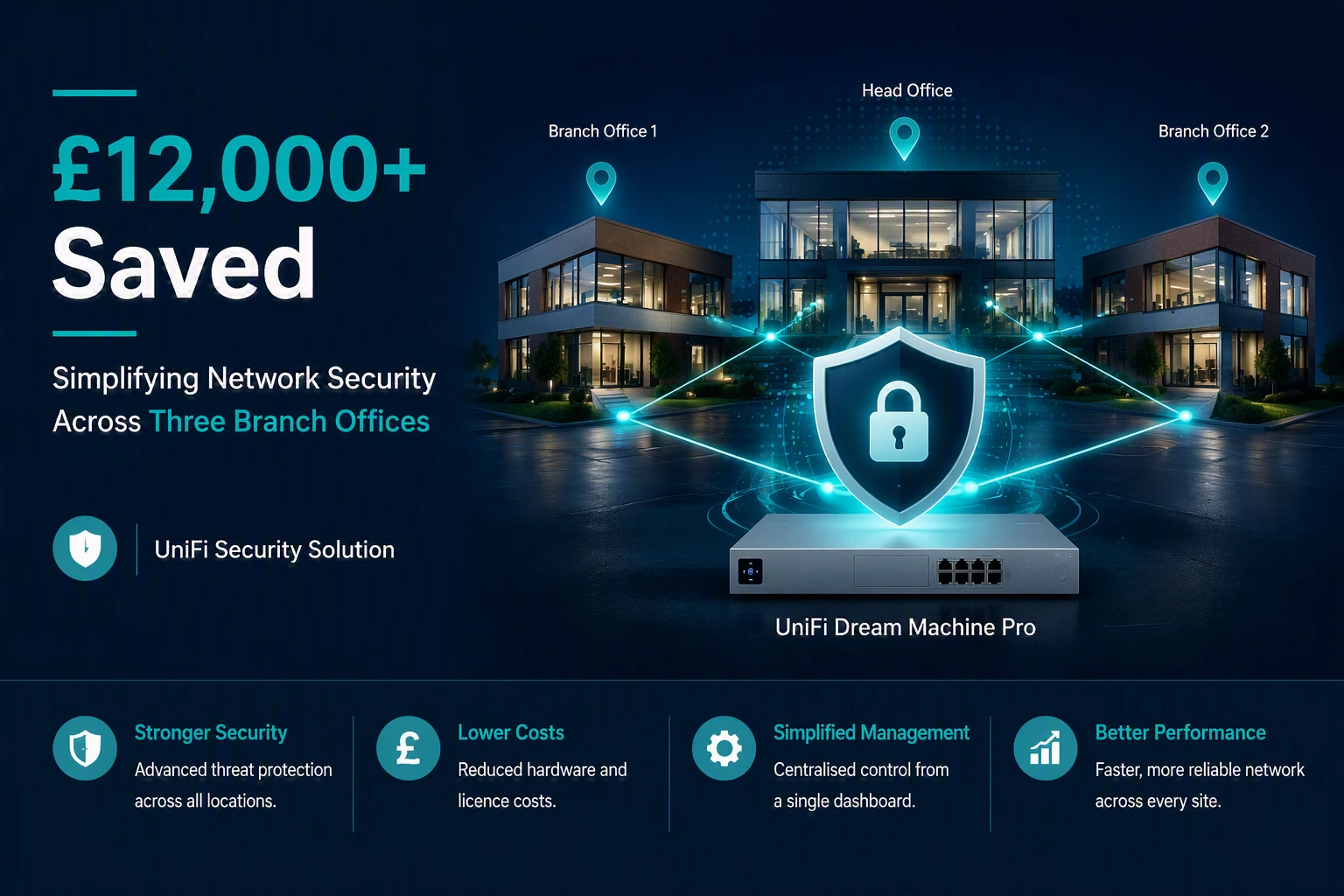
Stronger Security

Reliable WiFi Coverage

Improved Performance

Better User Experience

REQUEST A CALL BACK

Need A Second Opinion On Your IT?

Whether you’re reviewing your current IT provider, planning a Microsoft 365 project, improving cyber security or simply want independent advice, we’re happy to help.

No Pressure

No hard sales pitch. Just a friendly conversation.

Practical Advice

Get clear, honest recommendations tailored to your organisation.

Focused On You

We’ll understand your goals and what matters most to your organisation.

Your Information

We respect your privacy and will never share your details.


    FAQs

    Questions We’re Frequently Asked about Backup & Disaster Recovery Services

    Thinking of Backup & Disaster Recovery? Here are answers to some of the most common questions businesses ask before making the move.

    It depends on where your data is stored and how quickly you need to recover it. Having data in the cloud does not automatically mean you have the level of backup and recovery your business needs. Your backup approach should reflect how important the data is and the impact of losing access to it.

    Backup protects copies of your data so it can be restored when needed. Disaster recovery looks at the wider question of how your business will recover its essential systems and services after a serious incident. A good recovery plan considers both.


    Microsoft 365 includes built-in retention and recovery capabilities, but these may not meet every organisation’s backup requirements. If email, SharePoint, OneDrive or Teams data is important to your business, it is worth assessing whether additional backup protection is appropriate.

    Backups can play an important part in ransomware recovery, but they need to be properly protected. If attackers can access or delete your backups, recovery becomes much harder. Backup security should therefore be considered alongside your wider cybersecurity measures.

    Recovery time depends on what has failed, how much data needs to be restored and the recovery solution you have in place. Critical systems should be identified in advance so recovery can be prioritised around what your business needs first.

    There is no single schedule that suits every business. The right frequency depends on how often your data changes and how much recent work you could afford to lose. More critical data will normally require more frequent protection.

    Backups should be monitored and tested rather than simply assumed to be working. Regular recovery testing helps confirm that your data can actually be restored and can identify problems before you need the backup during a real incident.

    A disaster recovery plan should consider more than data loss. Depending on your setup, alternative connectivity, cloud services, redundant systems or other recovery options may help your team continue working while the underlying problem is resolved.

    Cost depends on factors such as the amount of data, number of users and devices, systems being protected, retention requirements and how quickly you need to recover. The right solution should be based on the cost and impact of downtime, rather than simply choosing the cheapest backup option.

    Start by identifying the systems and data your business cannot operate without. Then consider how much data you could afford to lose, how long you could operate without those systems and whether your existing backups can meet those requirements. This gives you a practical basis for deciding what protection you actually need.