WHEN VISIBILITY IS LIMITED

You Can’t Protect What You Can’t See

Without clear visibility across your premises, it becomes harder to monitor activity, investigate incidents and respond quickly when something needs attention.

Blind Spots

Limited camera coverage can leave parts of your premises without the visibility needed to monitor activity effectively.

Limited Visibility

Without a central platform, reviewing footage and monitoring multiple locations can become time-consuming and inefficient.

Security Concerns

When footage is unavailable, difficult to access or spread across different systems, investigating incidents becomes more challenging.

Growing Complexity

As organisations expand, managing surveillance across different buildings and sites becomes increasingly difficult.

The Result

Reduced Visibility

Slower Investigations

Increased Risk

Multiple Systems

Higher Costs

Less Confidence

Without Clear Visibility, Small Security Issues Can Become Bigger Problems.

COMPLETE SURVEILLANCE VISIBILITY

See More. Know More. Respond Faster.

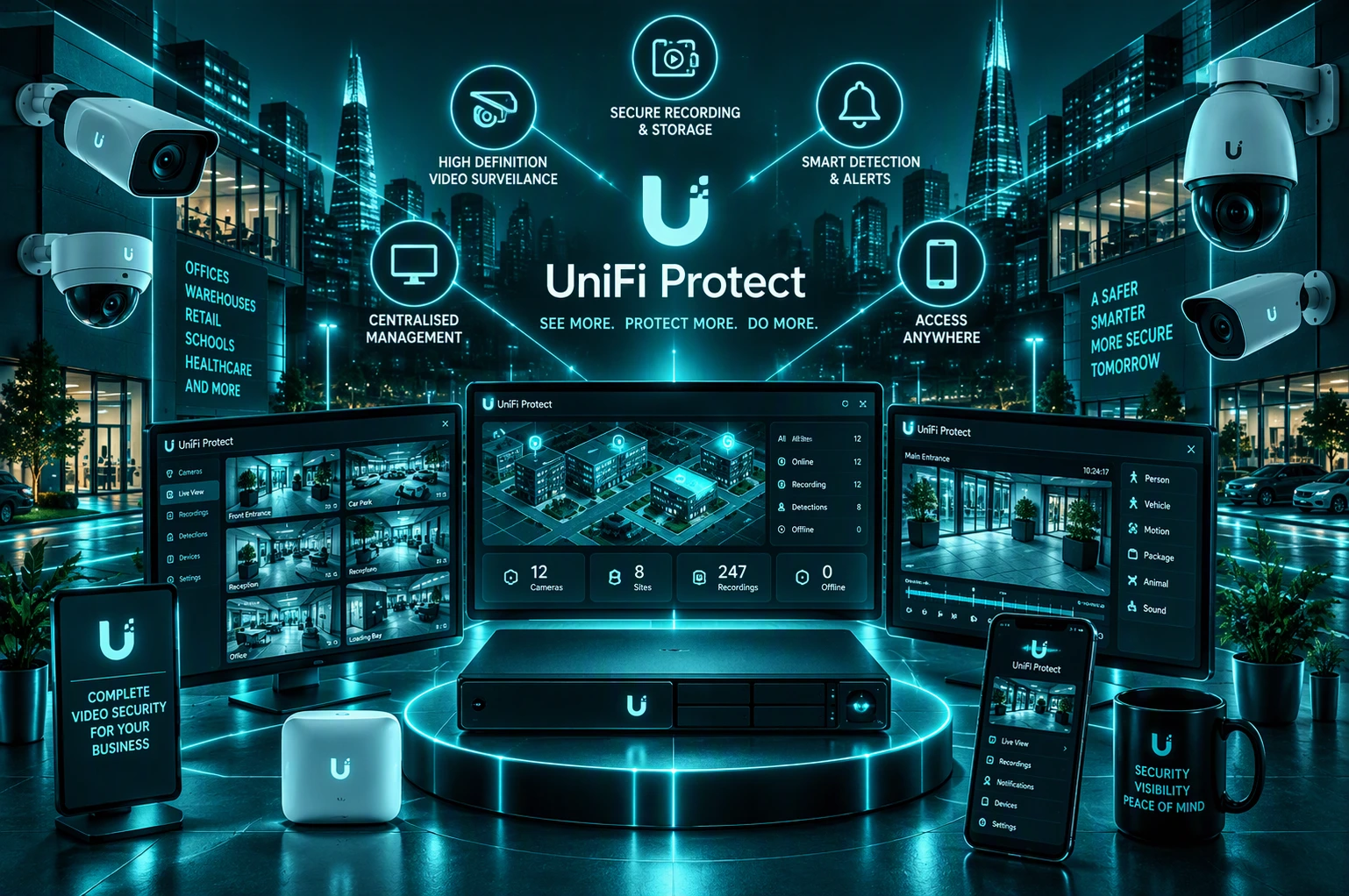
UniFi Protect brings cameras, recordings and monitoring together into one platform, helping you improve visibility, strengthen security and gain greater control across your organisation.

Monitor Your Premises

Keep Important Areas In View

Gain visibility across entrances, shared spaces, car parks, offices and other important areas through centrally managed surveillance.

Improve Visibility

See What’s Happening Across Your Organisation

Access live and recorded footage through one platform, giving you a clearer picture of activity across your premises.

Access Footage Anywhere

Stay Connected To Your Security System

Securely access footage and recordings from supported devices, helping authorised users stay informed wherever they are.

Monitor Multiple Locations

Manage Sites From One Platform

Bring surveillance across multiple buildings and locations together into a single view that’s easier to manage.

Strengthen Site Security

Support A Safer Environment

Improve oversight of visitors, employees and activity across your organisation while helping support wider security measures.

Grow With Confidence

Expand As Your Organisation Evolves

Add cameras, locations and coverage as your requirements change without moving to a completely different platform.

Better Visibility Helps You Make Better Security Decisions
One Platform. Complete Visibility.

HOW UNIFIED IT CAN HELP

More Than Cameras. A Complete Surveillance Solution.

Choosing the right surveillance platform is only part of the picture. Unified IT helps design, deploy, manage and support UniFi Protect environments that deliver the visibility your organisation needs today and can adapt as your requirements change.

We Plan The Right Coverage
Surveillance Designed Around Your Environment

We assess your buildings, entrances, shared spaces and key areas to help position cameras where they deliver the greatest value.

We Deploy And Configure Your Solution
Get Up And Running With Confidence

From installation and setup to recording and management, we help ensure your UniFi Protect environment is configured correctly from day one.

We Improve Visibility Across Your Organisation
Gain A Clearer View Of What Matters

We bring together live monitoring, recordings and site visibility into one platform that’s easier to use and manage.

We Help Your System Grow With You
Scale As Your Requirements Change

Whether you’re expanding an existing deployment or adding new locations, we help extend your surveillance environment as your organisation grows.

We Support A More Secure Environment
Strengthen Site Security

We help improve visibility across your premises, support investigations and provide greater confidence in day-to-day operations.

We Provide Ongoing Support
Help When You Need It

We identify where AI could genuinely benefit your business and create a practical approach based on your needs, priorities and goals.

You may not need every service separately.
Our role is to bring the right expertise together based on your business needs.

CASE STUDIES

Proven deployments Across multiple sectors

We design and deliver high performance solutions that improve reliability, visibility and control for organisations of all sizes.
Stronger Security
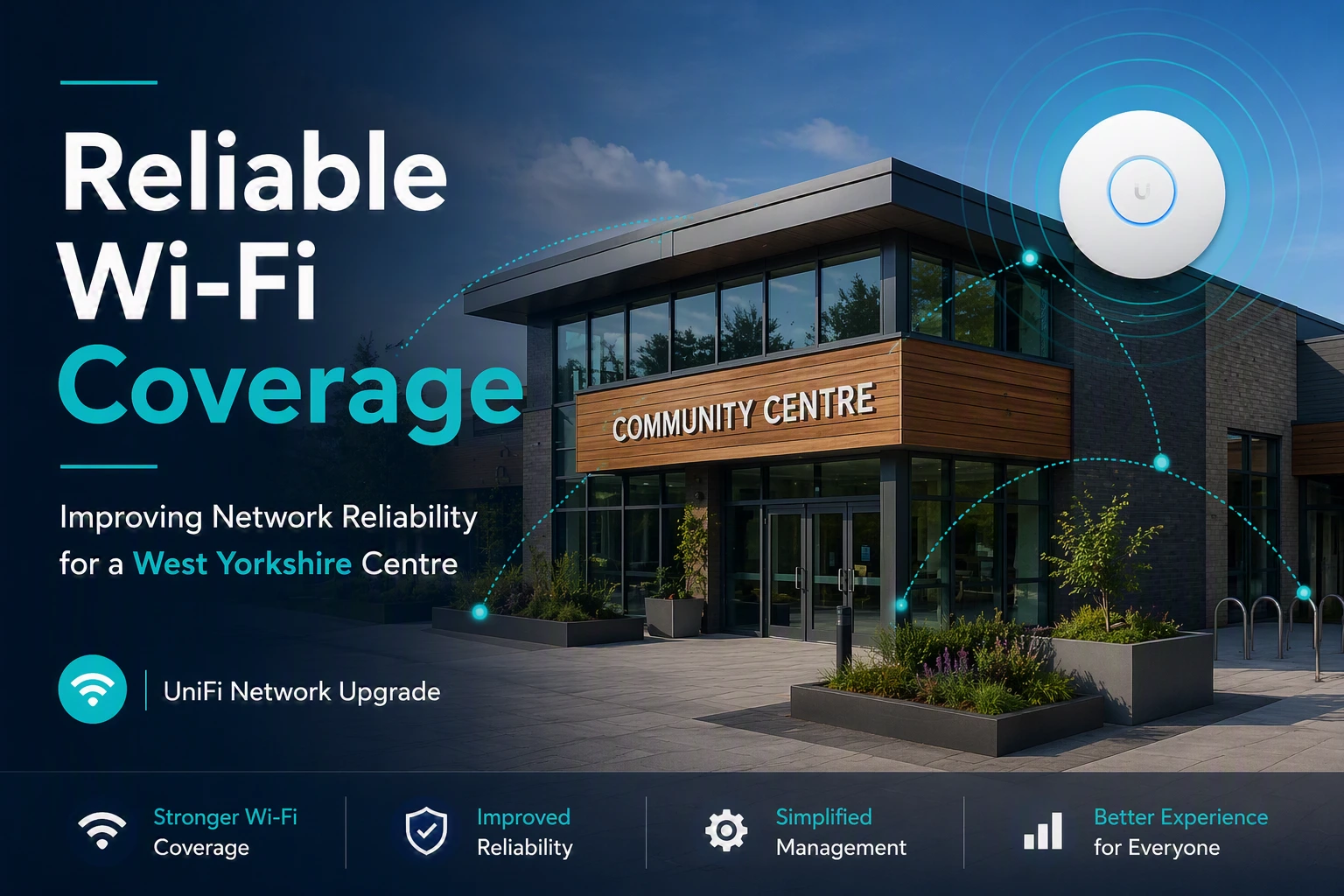
Reliable WiFi Coverage
Improved Performance
better user experience

REQUEST A CALL BACK

Need A Second Opinion On Your IT?

Whether you’re reviewing your current IT provider, planning a Microsoft 365 project, improving cyber security or simply want independent advice, we’re happy to help.

No Pressure

No hard sales pitch. Just a friendly conversation.

Practical Advice

Get clear, honest recommendations tailored to your organisation.

Focused On You

We’ll understand your goals and what matters most to your organisation.

Your Information

We respect your privacy and will never share your details.


    FAQs

    Questions We’re Frequently Asked about UniFi Protect Services

    Thinking of services for UniFi Protect? Here are answers to some of the most common questions businesses ask before making the move.

    UniFi Protect is Ubiquiti’s video surveillance platform for managing security cameras, recordings and alerts. It combines local video storage with remote management, allowing businesses to monitor and manage their security system from a single platform.

    Yes. UniFi Protect can scale from smaller installations to larger multi-camera and multi-site environments. The right setup depends on the size of your premises, areas requiring coverage, recording requirements and the level of resilience you need.

    Yes. Authorised users can remotely access UniFi Protect through supported apps and UniFi’s management platform, making it possible to view cameras and recordings when away from the premises.

    UniFi Protect does not require a licensing fee for the core Protect platform, which can make ongoing costs simpler compared with CCTV platforms based on per-camera software licensing. Your overall costs will still depend on the cameras, recording hardware, storage and installation required.

    UniFi Protect is designed around on-premises video storage using compatible UniFi consoles or network video recorders. Storage capacity and retention can be planned around the number of cameras, recording quality and how long you need to keep footage.

    There is no single retention period for every installation. It depends on factors such as storage capacity, number of cameras, recording settings and video quality. The system should be designed around how long your organisation actually needs to retain footage.

    Potentially. UniFi Protect supports compatible third-party cameras using ONVIF as well as UniFi cameras. Compatibility and available features should be checked before deciding whether existing cameras can be retained or should be replaced.

    Yes. UniFi Protect supports AI-powered detection and alerting capabilities, although the specific features available depend on the cameras and hardware selected. This can help businesses focus on relevant activity rather than manually reviewing large amounts of footage.

    The cost depends on the number and type of cameras, storage requirements, network infrastructure, installation and any additional hardware needed. I’d recommend designing the system around the areas you genuinely need to protect rather than simply installing as many cameras as possible.

    In many cases, yes, but replacing everything may not be necessary. We can assess your existing cameras, cabling, network and recording equipment to determine what can be retained and what needs to change. Where compatible third-party cameras are already installed, UniFi Protect’s ONVIF support may provide further options.

    -Solutions That Grow With You-

    Affordable, high-quality VoIP services to keep you in touch with clients and teams