
WHEN MANUAL WORK TAKES OVER

Repetitive Work Is Costing Your Business More Than Time

Small manual tasks quickly add up. When your people spend their day copying information, chasing approvals, updating spreadsheets and repeating routine tasks, there is less time for customers and higher-value work.

Your People’s Time

Repetitive admin, manual updates and everyday tasks take valuable time away from the work where your people can make the biggest difference.

Your Processes

Too many manual steps, handovers and approvals can turn straightforward work into slow, frustrating processes that hold everyone back.

Your Information

When information lives across emails, spreadsheets and different systems, employees spend more time finding, copying and updating it.

Your Growth

As your business grows, inefficient processes grow with it, creating more manual work instead of helping your people handle more effectively.

The Result?

Lower Productivity

Wasted Time

Repetitive Tasks

Slow Processes

Higher Costs

Human Error

Manual Processes Don’t Just Take More Time. They Make It Harder For Your Business To Grow Efficiently.

WORK SMARTER, NOT HARDER

Give Your People More Time for the Work That Matters

Automation and AI can take care of repetitive tasks, simplify everyday processes and make information easier to use, giving your people more time to focus on customers, decisions and meaningful work.

Automate Repetitive Tasks

Let Routine Work Happen Automatically

Reduce the time spent on repetitive tasks such as notifications, reminders, data entry and everyday administration.

Simplify Your Processes

Make Everyday Work Flow Better

Remove unnecessary steps and manual handovers so approvals, requests and other everyday processes move forward more efficiently.

Help Your People With AI

Give Your Team A Smarter Way To Work

Use AI to help with everyday activities such as finding information, preparing content, summarising work and completing routine tasks.

Connect Your Systems

Stop Moving Information By Hand

Connect applications and workflows so information can move between systems without employees repeatedly copying and updating it.

Turn Data Into Insight

Make Information Easier To Understand

Bring important business information into clearer reports and dashboards so you can spend less time preparing reports and more time using them.

Improve Productivity

Help Your Business Do More With Less Admin

Give your people more time for customers, projects and higher-value work by reducing the repetitive administration surrounding their day.

One Connected Workplace. Everything Working Together.
Microsoft 365 • Teams • SharePoint • OneDrive • Devices • Cloud

OUR AUTOMATION & AI SERVICES

Practical Ways to Make Everyday Work Smarter

From automating repetitive tasks to introducing Microsoft Copilot and better business reporting, we help you use technology where it can make a genuine difference to your people and processes.

Microsoft 365
We manage Microsoft 365 around your business, keeping your users, licences and everyday services organised, supported and working together.
Microsoft Teams

Bring conversations, meetings and teamwork together, helping your people stay connected whether they’re in the office or working remotely.

SharePoint & OneDrive

Give your people a better way to store, access, share and work together on documents without information becoming scattered across different places.

Microsoft Azure & Cloud

Use Microsoft Azure and cloud services to run applications, infrastructure and other business systems with greater flexibility as your needs change.

Microsoft 365 & Cloud Migration

We plan and manage your move to Microsoft 365 and the cloud, helping migrate users, email, files and systems.

Microsoft Intune & Device Management

Centrally manage laptops, desktops and mobile devices so employees have the applications, settings and access they need.

Identity & Access Management

Manage user identities, sign-ins and permissions so employees can access what they need while your business stays in control.

Microsoft Licensing & Support

We manage your Microsoft licences and provide ongoing support, helping you avoid unnecessary costs while giving your people help.

You may not need every service separately.
Our role is to bring the right expertise together based on your business needs.

CASE STUDIES

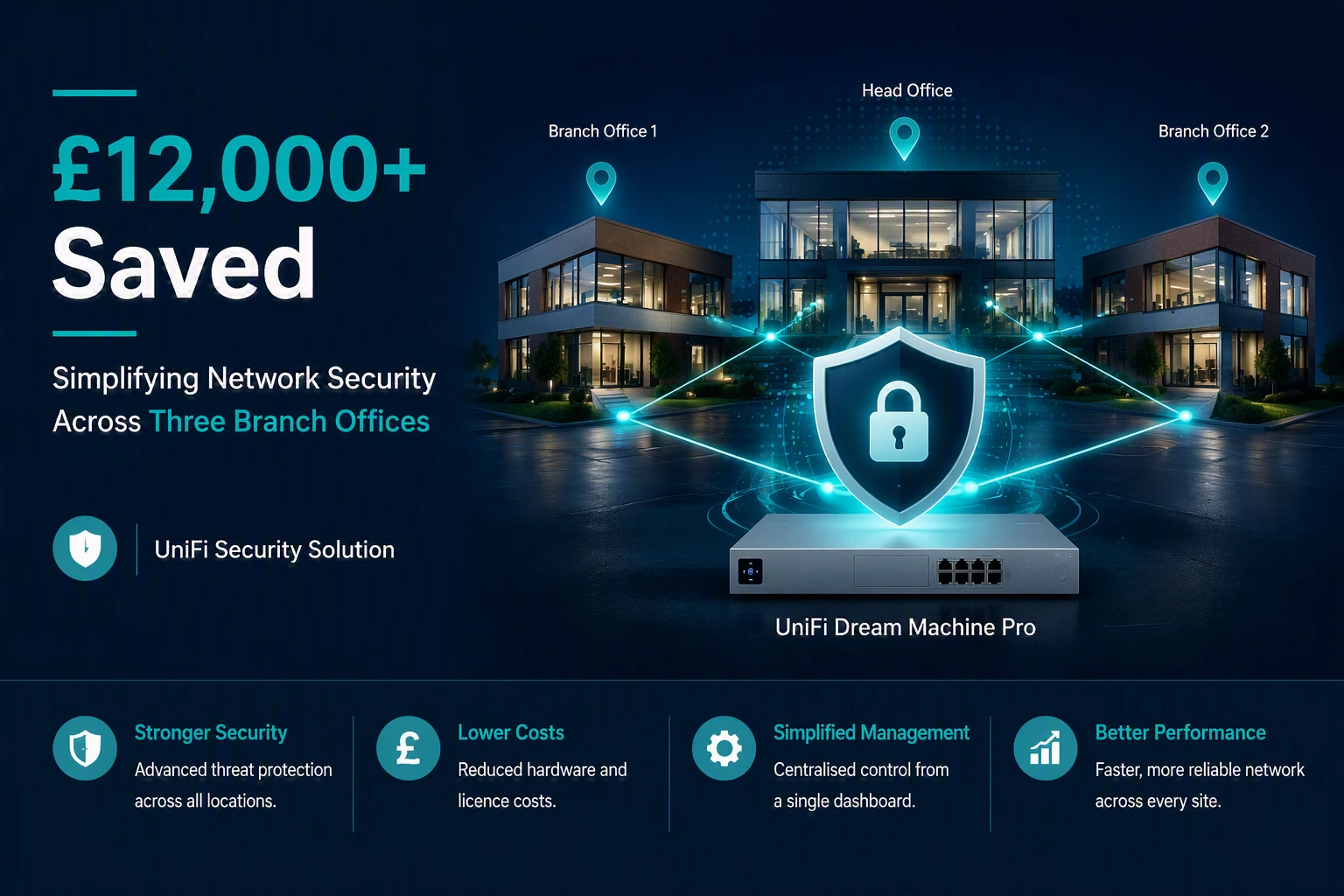
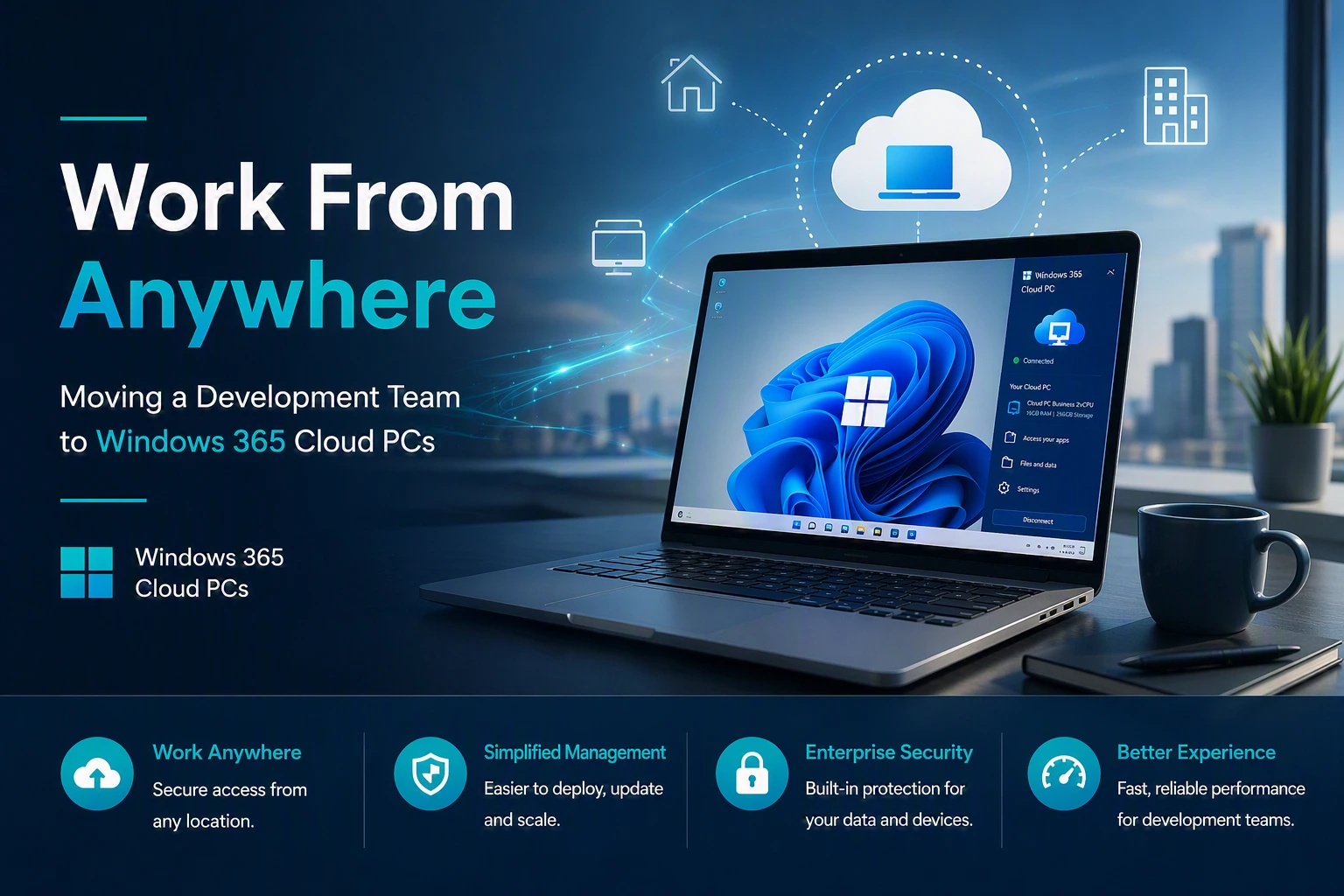
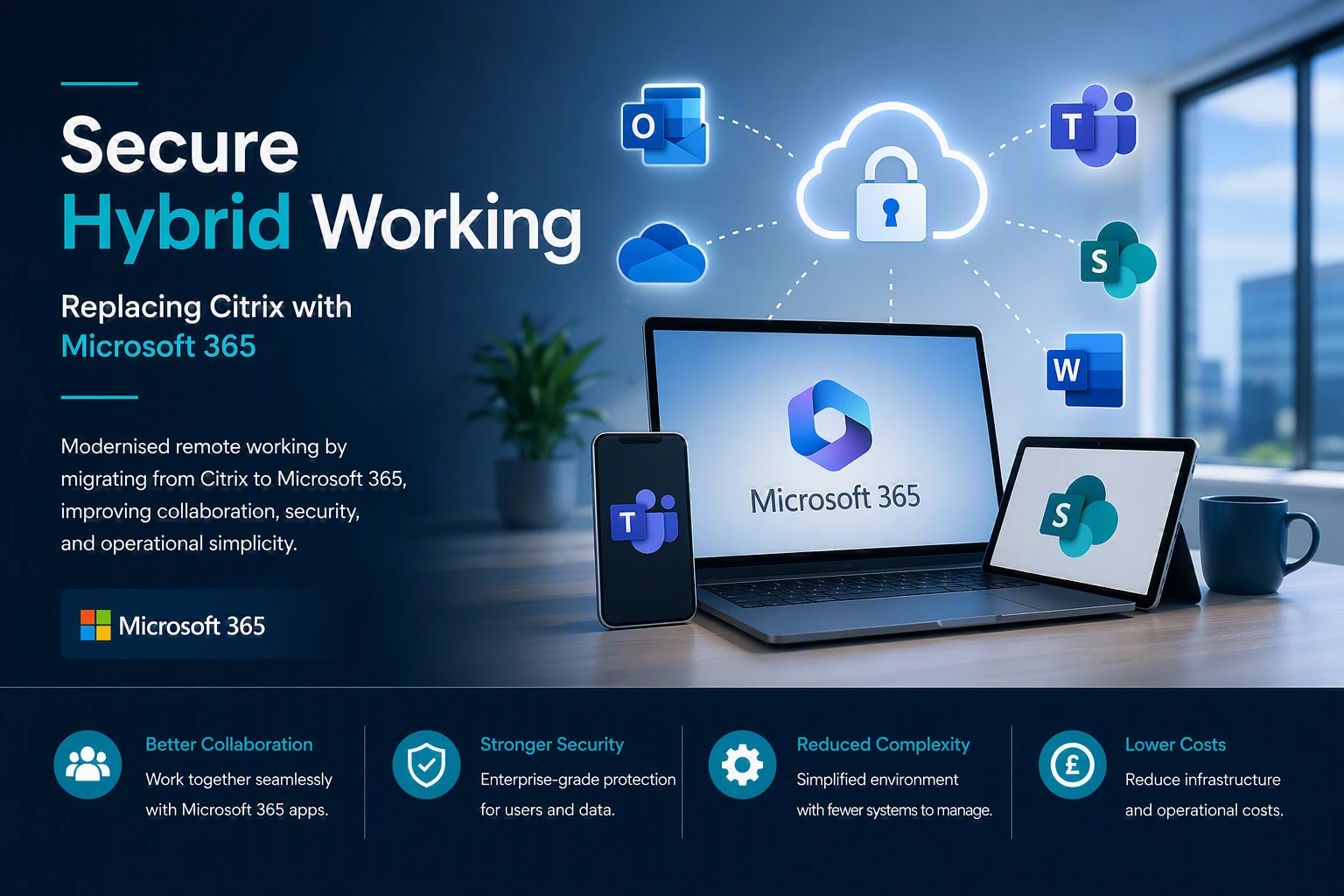
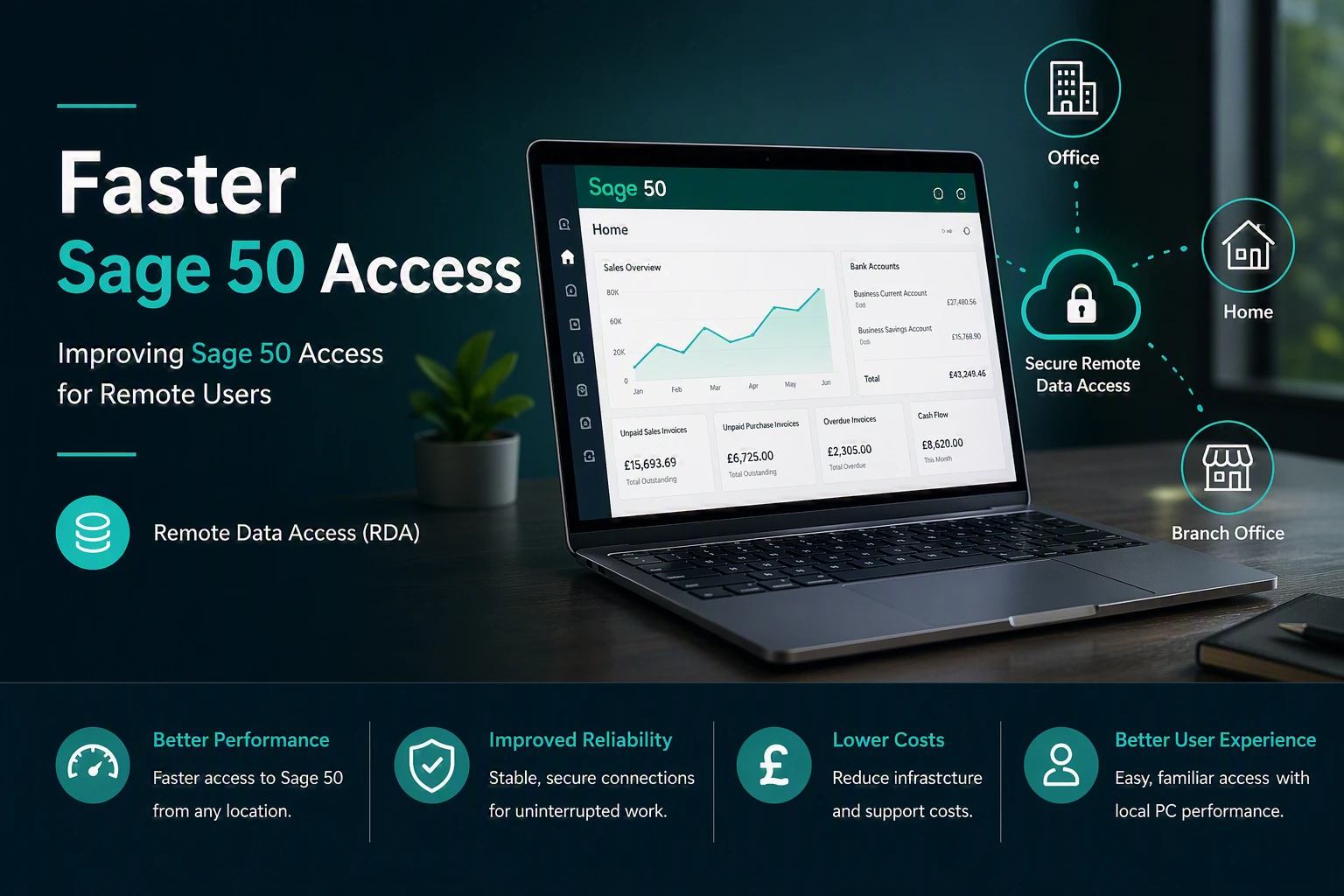
Proven deployments Across multiple sectors

We design and deliver high performance solutions that improve reliability, visibility and control for organisations of all sizes.
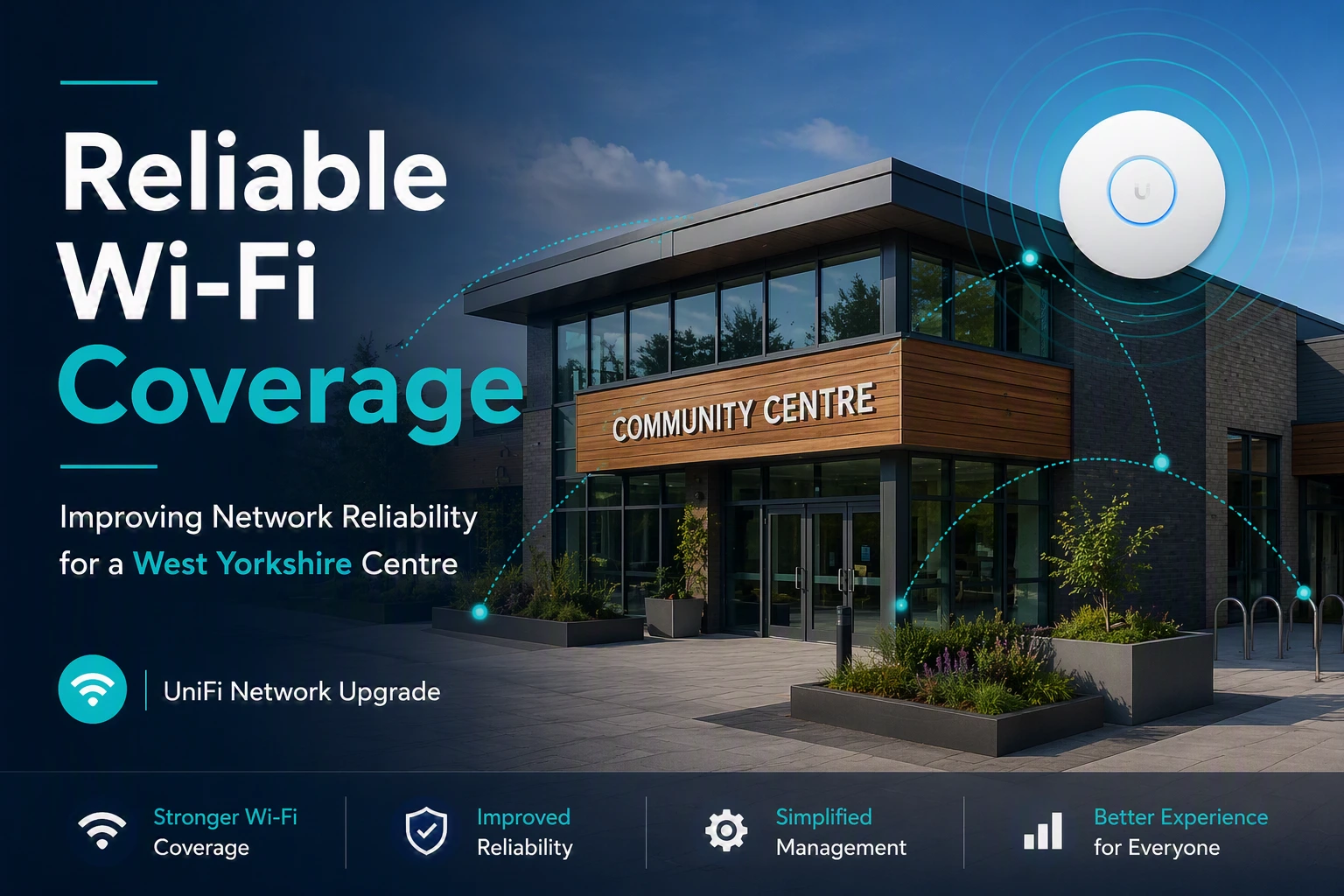
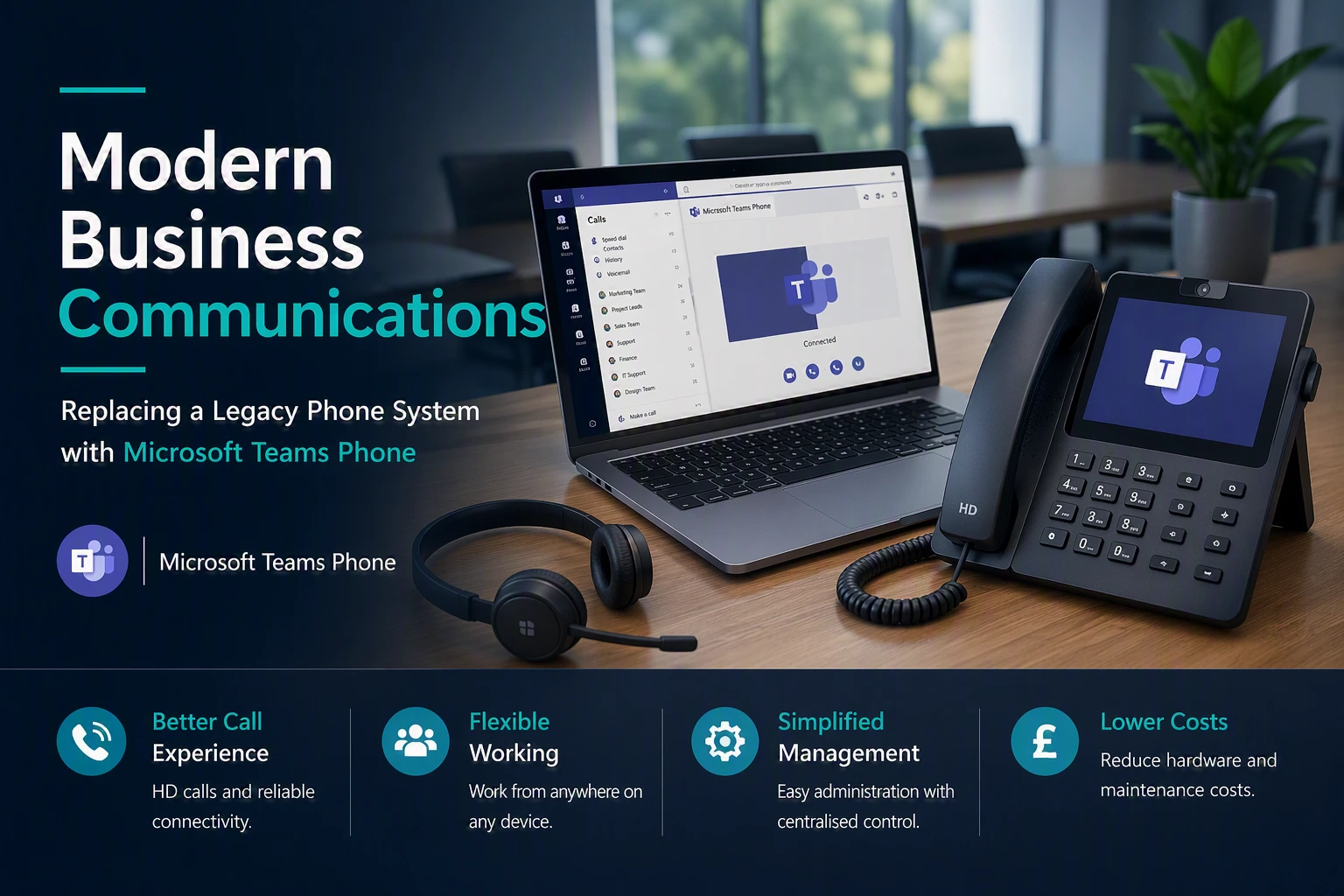
Stronger Security
Reliable WiFi Coverage
Improved Performance
better user experience

REQUEST A CALL BACK

Need A Second Opinion On Your IT?

Whether you’re reviewing your current IT provider, planning a Microsoft 365 project, improving cyber security or simply want independent advice, we’re happy to help.

No Pressure

No hard sales pitch. Just a friendly conversation.

Practical Advice

Get clear, honest recommendations tailored to your organisation.

Focused On You

We’ll understand your goals and what matters most to your organisation.

Your Information

We respect your privacy and will never share your details.


    -Cloud Services That Scale with Your Business-

    Easily expand your IT infrastructure without the complexity of traditional systems

    -FAQs-

    Cloud Services FAQs

    Migration is all about moving your data, applications, and IT processes from on-premises setups to the cloud. This journey usually starts with assessing your current IT assets, choosing the right services, and mapping out a migration strategy. Then, we execute the migration and fine-tune the new environment to maximise performance and keep costs down.

    There are three main types of cloud services:

    Infrastructure as a Service (IaaS): Get access to virtualised resources like virtual machines, storage, and networking—just the infrastructure you need, without the hassle of managing physical hardware.

    Platform as a Service (PaaS): A ready-to-go environment for developing and deploying applications. Perfect for teams focused on building software without worrying about underlying infrastructure.

    Software as a Service (SaaS): Use software applications over the internet on a subscription basis—no need for installs or updates. Just log in and get to work.

    • Cost-Effectiveness: Why pay for more than you need? With cloud, you’re only billed for the resources you actually use—no upfront hardware investments required.
    • Scalability: Need more resources? Or maybe a bit less? Scale up or down easily based on your needs, keeping performance high and costs in check.
    • Flexibility: Access your data and apps from anywhere, on any device with an internet connection. Your office is wherever you are.
    • Reliability: Count on high availability and reliability with the provider’s built-in redundancies and backup systems.
    • Security: Stay protected with industry-leading security measures and compliance standards designed to keep your data safe from cyber threats.

    Cloud providers use a range of security measures to keep your data safe, like encryption, access controls, and identity management (IAM). They also have firewalls, intrusion detection and prevention systems (IDPS), and constant security monitoring and auditing. Plus, they follow industry-specific compliance standards to make sure your data stays private and meets regulatory requirements.

    Cloud computing can really help cut down IT infrastructure costs. You won’t need to make hefty upfront investments in hardware or software, and forget about those ongoing maintenance fees. Instead, you only pay for the resources you use on a subscription basis. This not only saves you money but also makes it easier to predict your budget.

    Backup and disaster recovery solutions work by replicating your data and applications to remote cloud servers. This ensures redundancy and allows for quick recovery if you ever face data loss or a system failure. These solutions usually include automated backups, data replication, and failover capabilities, all designed to meet your business continuity needs with clear recovery point objectives (RPOs) and recovery time objectives (RTOs).

    • Public Cloud: This is hosted and managed by third-party providers and is accessible to multiple users over the internet. It’s great for those who want to take advantage of shared resources without the overhead.
    • Private Cloud: This is dedicated infrastructure that can be hosted on-premises or by a third-party provider, but it’s exclusively for one organisation. It offers enhanced control and security tailored to specific needs.
    • Hybrid Cloud: A mix of public and private cloud environments, this option lets you move data and applications seamlessly between the two. It gives you the flexibility and scalability you need to adapt to changing demands.

    When choosing a service provider, keep these key factors in mind:

    • Security and Compliance Certifications: Make sure they meet industry standards to keep your data safe.
    • Performance and Reliability: Look for solid infrastructure that ensures your services run smoothly.
    • Scalability and Flexibility: Ensure their services can grow and adapt with your business needs.
    • Pricing Model and Cost Transparency: Understand how they charge and ensure there are no hidden fees.
    • Customer Support and SLAs: Check the quality of their customer support and their service-level agreements to know what you can expect.

    Absolutely! These services can be customised and integrated with your existing IT infrastructure to meet your specific business needs. Most providers offer APIs and integration tools that make it easy to connect your cloud-based systems with on-premises ones seamlessly.

    Cloud computing has a bunch of advantages over traditional on-premises setups:

    • On-Demand Access: Get the resources you need when you need them, without the wait.
    • Scalability: Easily adjust your resources to meet fluctuating demand—whether it’s a busy season or a quieter time.
    • Pay-As-You-Go Pricing: Only pay for what you use, which helps keep your budget in check.
    • Reduced Costs: Say goodbye to high hardware and maintenance costs.
    • Greater Flexibility and Agility: Quickly adapt to changes and innovate without the usual constraints.