WHEN TECHNOLOGY DOESN’T WORK TOGETHER

When your technology is disconnected your people feel it

Microsoft 365 and cloud technology should make work easier. But when files, applications, devices and access aren’t properly connected, simple tasks become frustrating and productivity suffers.

Your People

Employees waste time searching for information, switching between systems or trying to work around technology that doesn’t fit the way they work.

Your Information

Documents spread across inboxes, personal folders, shared drives and different platforms make it harder to find the right information and collaborate effectively.

Your Workplace

Without consistent management, employees can experience different applications, settings and access depending on the device or location they’re working from.

Your IT

Licences, users, permissions, devices and cloud services can quickly become complicated without someone continuously managing the environment.

The Result

Lost Productivity

Wasted Time

Scattered Information

Duplicate Work

Unnecessary Costs

Frustrated Users

Disconnected Technology Creates More Work For Your People And Less Progress For Your Business.

A CONNECTED MODERN WORKPLACE

Everything your people need to work better, togather

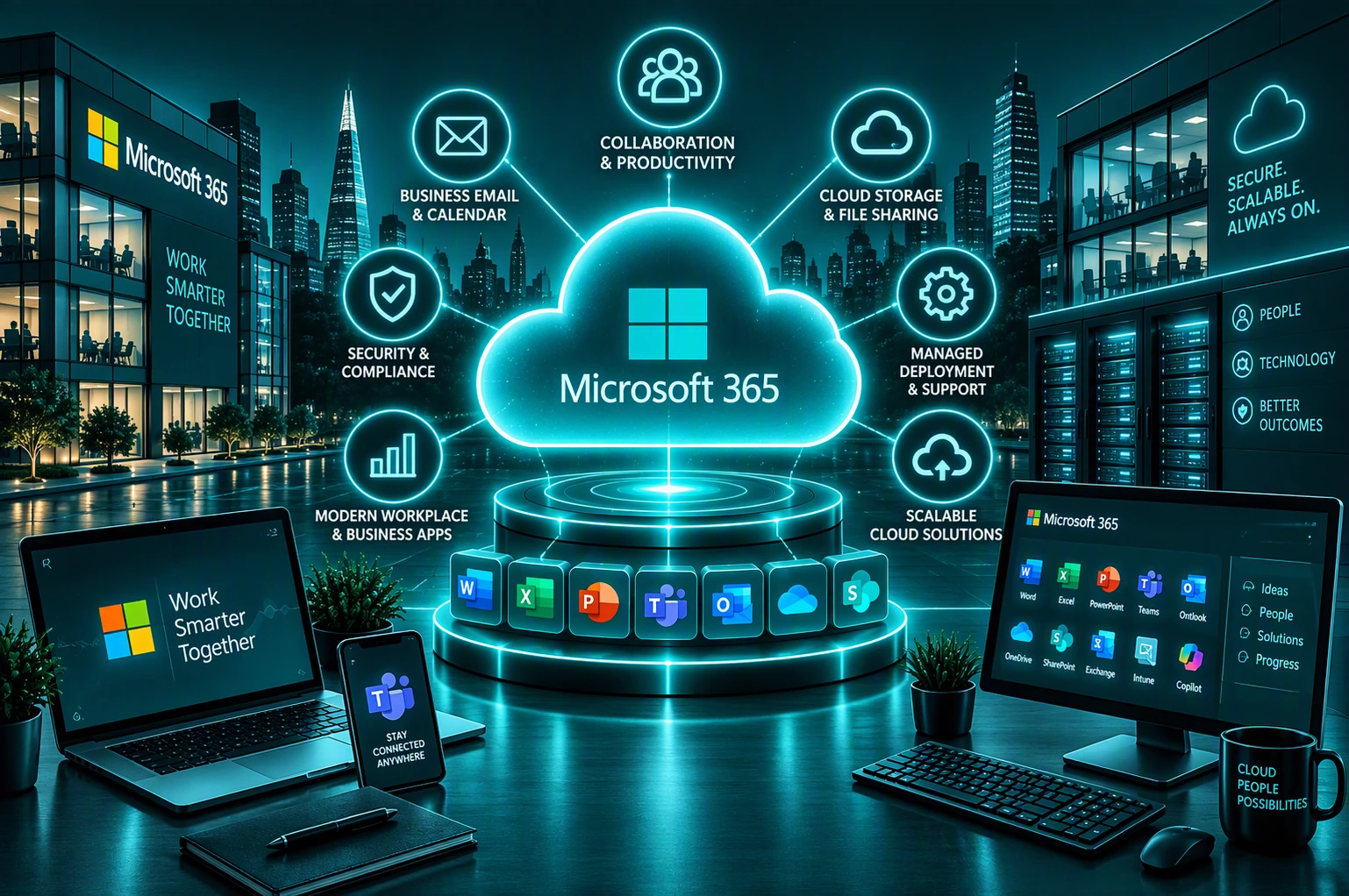
Microsoft 365 and cloud services bring your people, information and technology together. We help create a connected workplace where your team can communicate, collaborate and access what they need wherever they work.

Connect Your People

Work Together From Anywhere

Give your team the tools to communicate, meet and collaborate effectively whether they’re in the office, at home or on the move.

Bridging Communication 

Connect Chat, Meetings And Calls

Bring conversations, meetings and collaboration together with Microsoft Teams, giving your people one familiar place to communicate.

Organise Your Information

Make Files Easier To Find And Share

Bring business documents into SharePoint and OneDrive so your people can access, share and collaborate on information more easily.

Manage Your Devices

Give Everyone A Consistent Experience

Keep company laptops, desktops and mobile devices centrally managed so your people have the applications and settings they need wherever they work.

Manage Access Securely

The Right Access For The Right People

Manage identities and access so employees can securely reach the applications and information they need without unnecessary barriers.

Build On The Cloud

Technology That Can Grow With You

Use cloud services to reduce reliance on traditional infrastructure and give your business greater flexibility as your people and requirements change.

One Connected Workplace. Everything Working Together.
Microsoft 365 • Teams • SharePoint • OneDrive • Devices • Cloud

HOW UNIFIED IT CAN HELP

Everything you need for a connected modern workspace

Every business works differently. Unified IT brings your Microsoft 365, cloud, devices, identities and collaboration tools together, then manages and supports them as one connected environment built around the way your business works.

We Manage Your Microsoft 365
Microsoft 365

We manage your Microsoft 365 environment, users and everyday services, keeping everything organised, supported and working together.

We Keep Your People Connected
Microsoft Teams

We set up and manage Microsoft Teams so your people can communicate, meet and collaborate effectively, wherever they are working.

We Organise Your Business Information
SharePoint & OneDrive

We help structure SharePoint and OneDrive so your people can securely store, find, share and work together on business information.

We Build The Right Cloud Environment
Microsoft Azure & Cloud

We design and manage cloud services around your business, giving your applications and infrastructure the flexibility to grow and change with you.

We Move You To The Cloud
Microsoft 365 & Cloud Migration

We plan and manage your move to Microsoft 365 and the cloud, helping migrate users, email, files and systems with minimal disruption.

We Manage & Secure Your Devices
Microsoft Intune & Device Management

We use Microsoft Intune to manage laptops, desktops and mobile devices, helping keep business applications, settings and access under control.

We Control Access To Your Business
Identity & Access Management

We manage identities, sign-ins and permissions so the right people have the right access while helping protect your business from unauthorised access.

We Manage Your Microsoft Licensing
Microsoft Licensing & Support

We manage Microsoft licensing and provide ongoing support, helping you keep the right services in place without paying for what your business does not need.

You may not need every service separately.
Our role is to bring the right expertise together based on your business needs.

CASE STUDIES

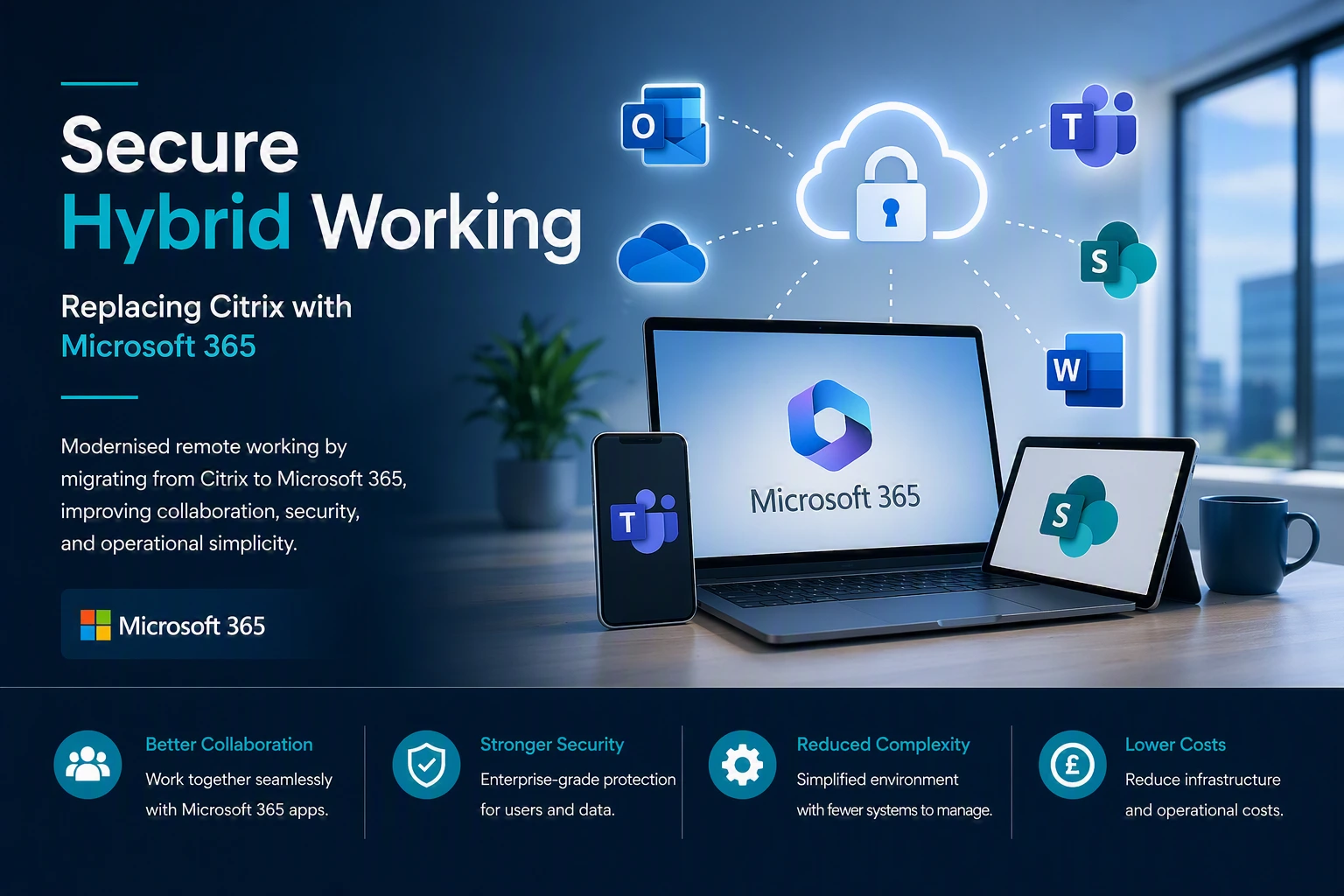
Proven deployments Across multiple sectors

We design and deliver high performance solutions that improve reliability, visibility and control for organisations of all sizes.
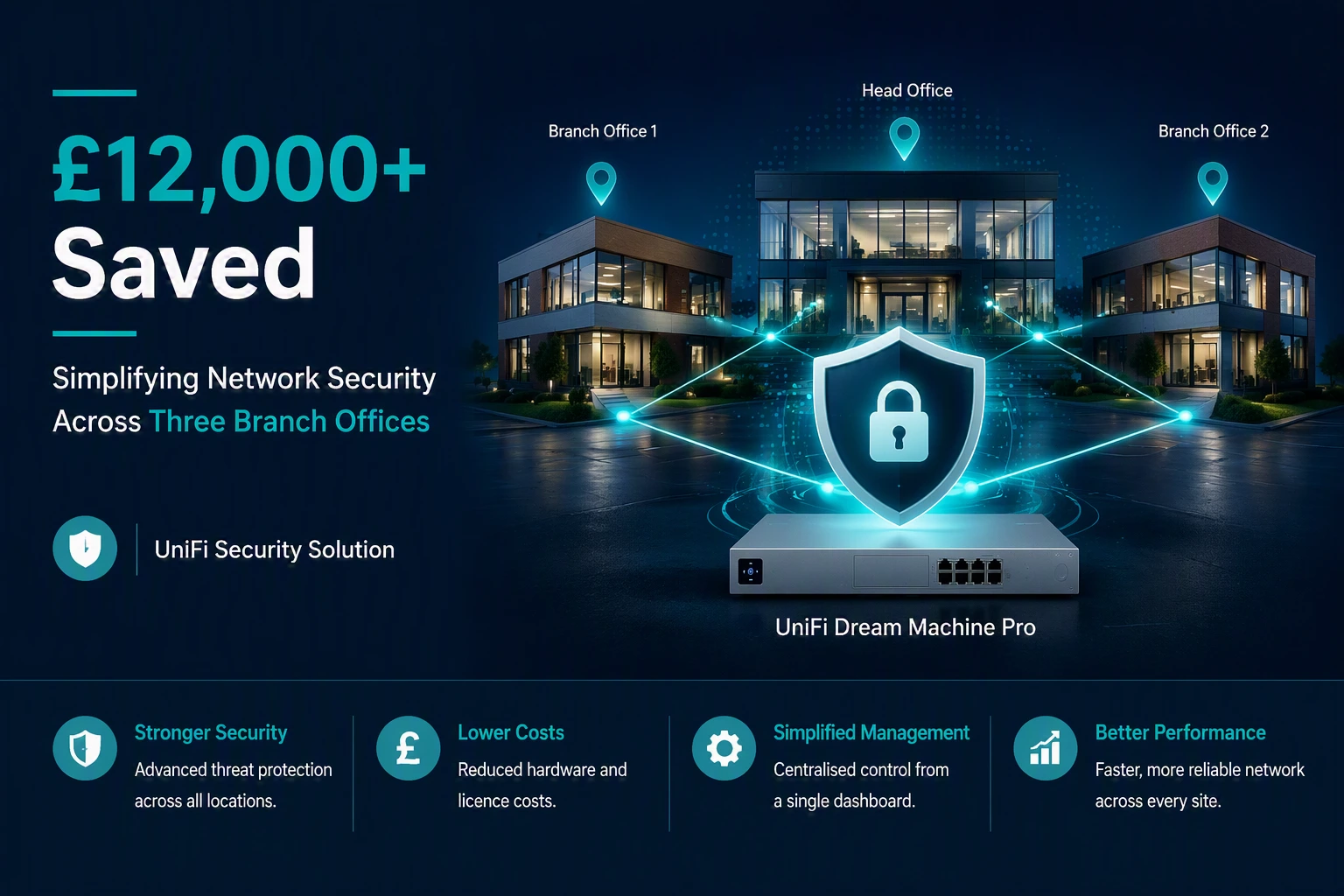
Stronger Security

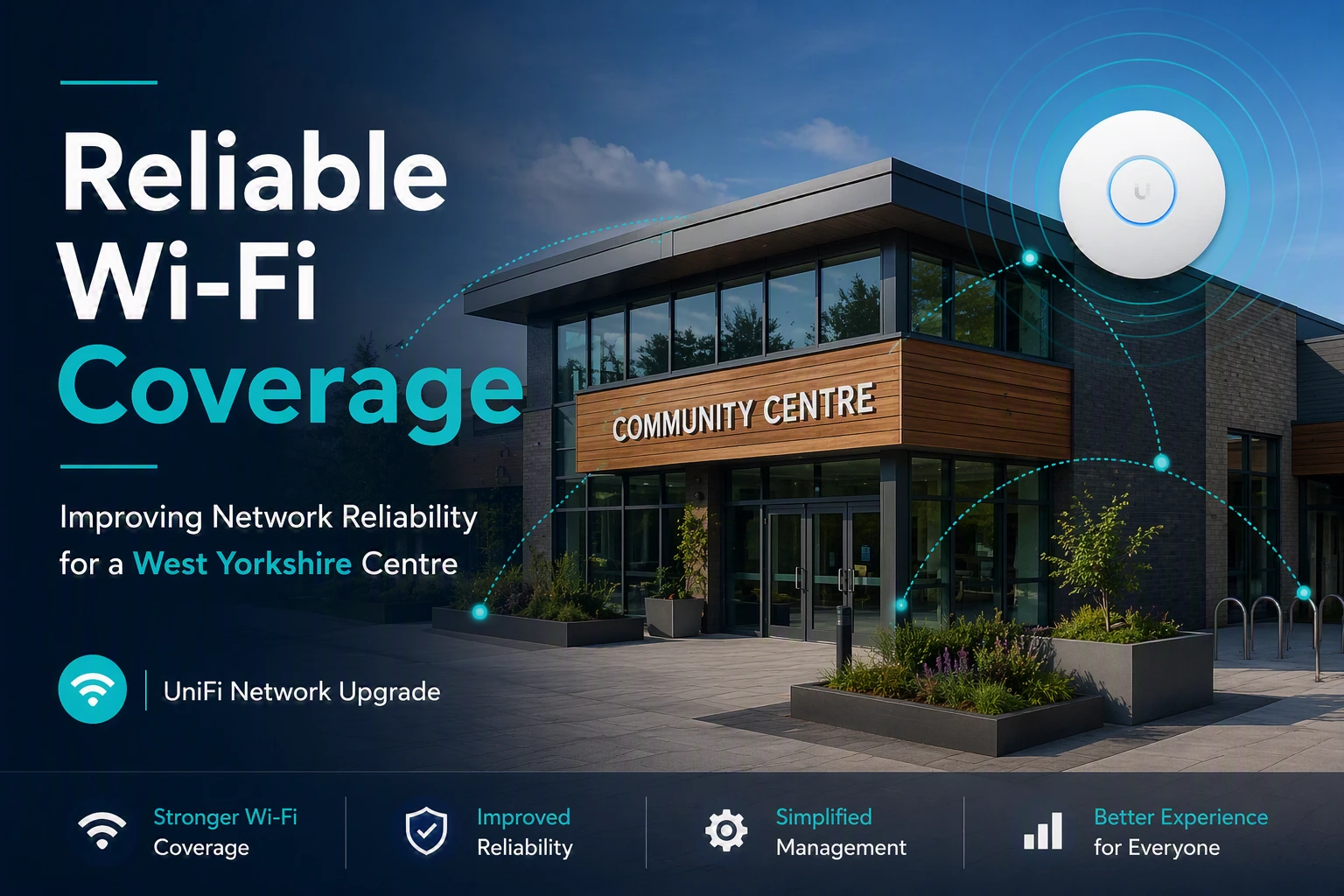
Reliable WiFi Coverage

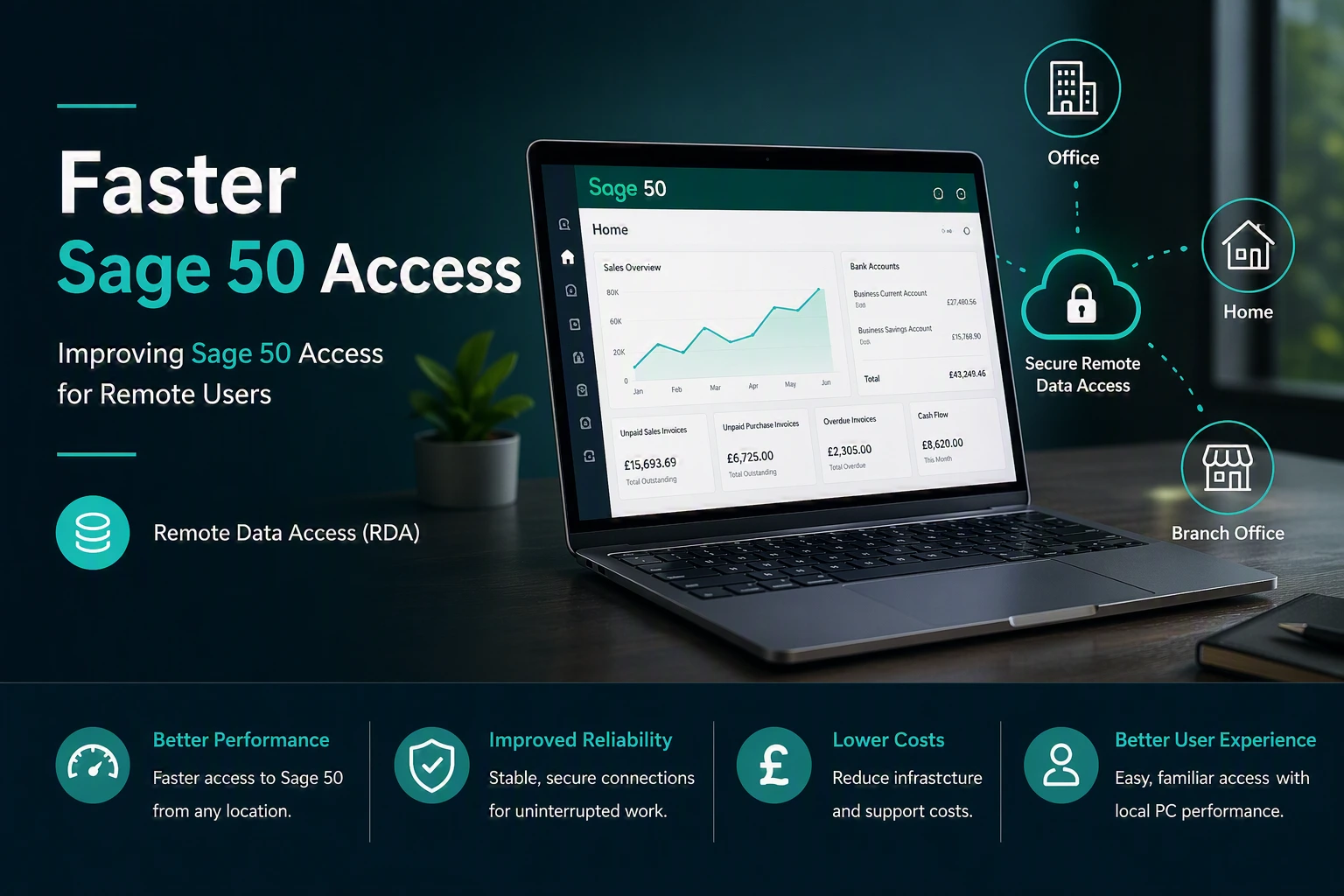
Improved Performance

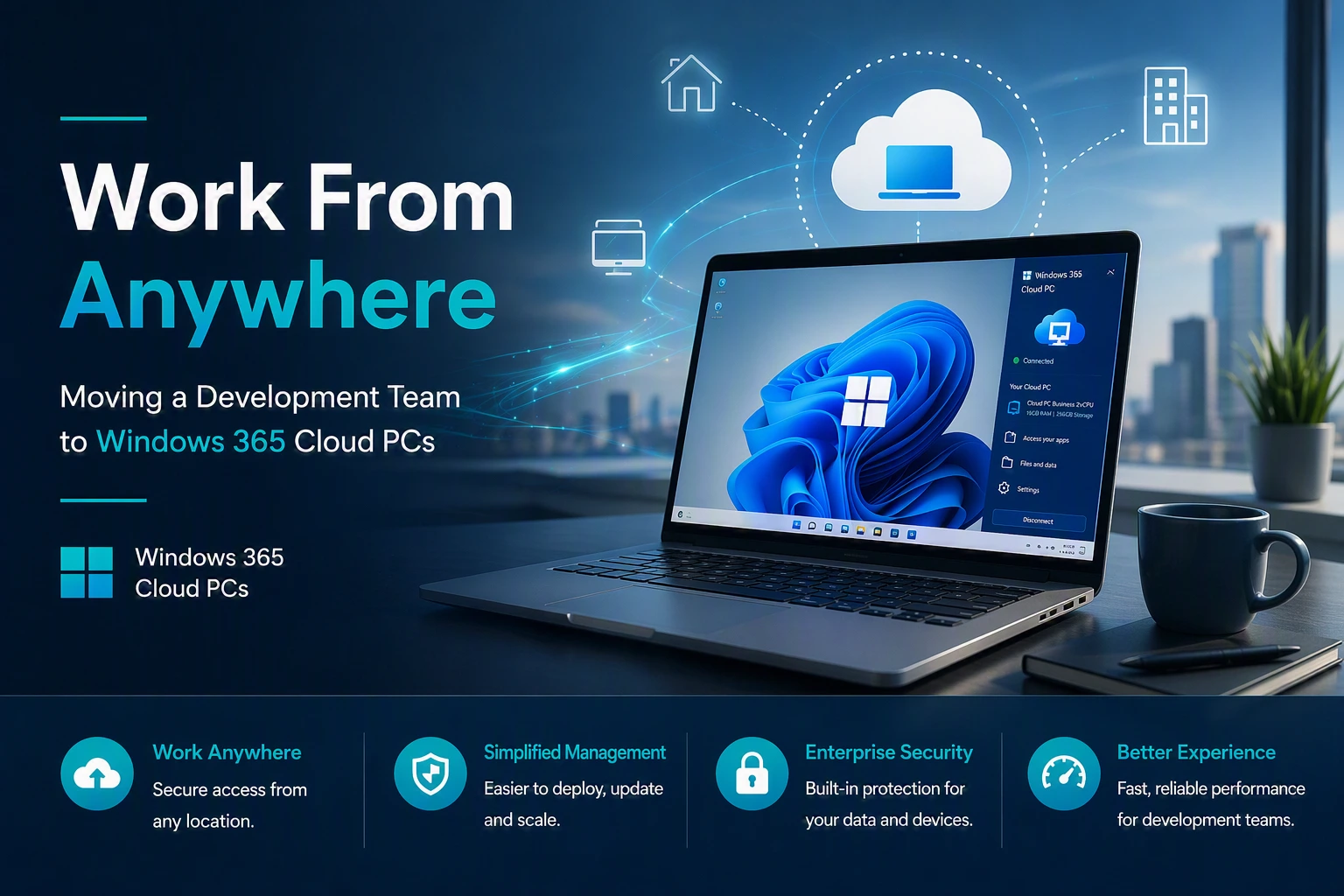
Better User Experience

REQUEST A CALL BACK

Need a second opinion on your IT?

Whether you’re reviewing your current IT provider, planning a Microsoft 365 project, improving cyber security or simply want independent advice, we’re happy to help.

No Pressure

No hard sales pitch. Just a friendly conversation.

Practical Advice

Get clear, honest recommendations tailored to your organisation.

Focused On You

We’ll understand your goals and what matters most to your organisation.

Your Information

We respect your privacy and will never share your details.


    FAQs

    Questions we’re frequently asked about Microsoft 365 & cloud services

    Thinking of Microsoft 365 & Cloud Services? Here are answers to some of the most common questions businesses ask before making the move.

    For many businesses, Microsoft 365 provides email, file storage, collaboration, communication and security tools in one platform. The right setup depends on how your team works, what systems you already use and your security requirements. The key is choosing the right services and licences rather than paying for features you do not need.

    It depends on the applications, security features and device management your team needs. Different employees may also have different requirements. Reviewing how people actually work can help you choose suitable licences and avoid unnecessary costs.

    Microsoft 365 costs depend on the licence plans you choose and the number of users you have. There may also be costs for migration, configuration, security or ongoing support. I’d recommend considering the overall requirement rather than choosing a plan based on licence price alone.

    In many cases, yes. Email, files and other business data can often be migrated from existing systems to Microsoft 365. The approach depends on your current setup, the amount of data involved and how much disruption needs to be avoided during the move.

    A properly planned migration should keep disruption to a minimum. The migration should consider email, files, user accounts, devices and access requirements, with the change planned around how your organisation operates.

    Microsoft provides resilience and recovery capabilities within its cloud services, but businesses should still consider their own backup and recovery requirements. The right approach depends on how important your data is, how long it needs to be retained and how quickly you would need to recover it after an incident.

    Microsoft 365 provides a range of security capabilities, but simply having a subscription does not mean everything is configured appropriately. Account security, permissions, devices, data sharing and security policies should be reviewed and configured around your organisation’s risks.

    Yes. Microsoft 365 can give authorised employees access to email, files, meetings and collaboration tools from different locations and devices. Appropriate security and device controls are important so flexible working does not introduce unnecessary risk.

    Yes. If you already use Microsoft 365, replacing your existing environment may not be necessary. Reviewing licences, security settings, permissions, SharePoint, Teams and device management can identify opportunities to improve your existing setup and reduce unnecessary costs.

    If your business mainly uses Microsoft 365 for email and Office applications, you may be paying for capabilities you are not taking advantage of. Reviewing how your team works, which licences you have and how Microsoft 365 is configured can identify opportunities to improve productivity, security and collaboration without adding more technology.